Hi, I'm Stammy.
I share my love of design, code and photography with detailed articles and photosets.

I share my love of design, code and photography with detailed articles and photosets.

A dive into the app I designed, built and never launched.
Learning to let go and stop hoarding terabytes

Join the Fediverse on your own terms
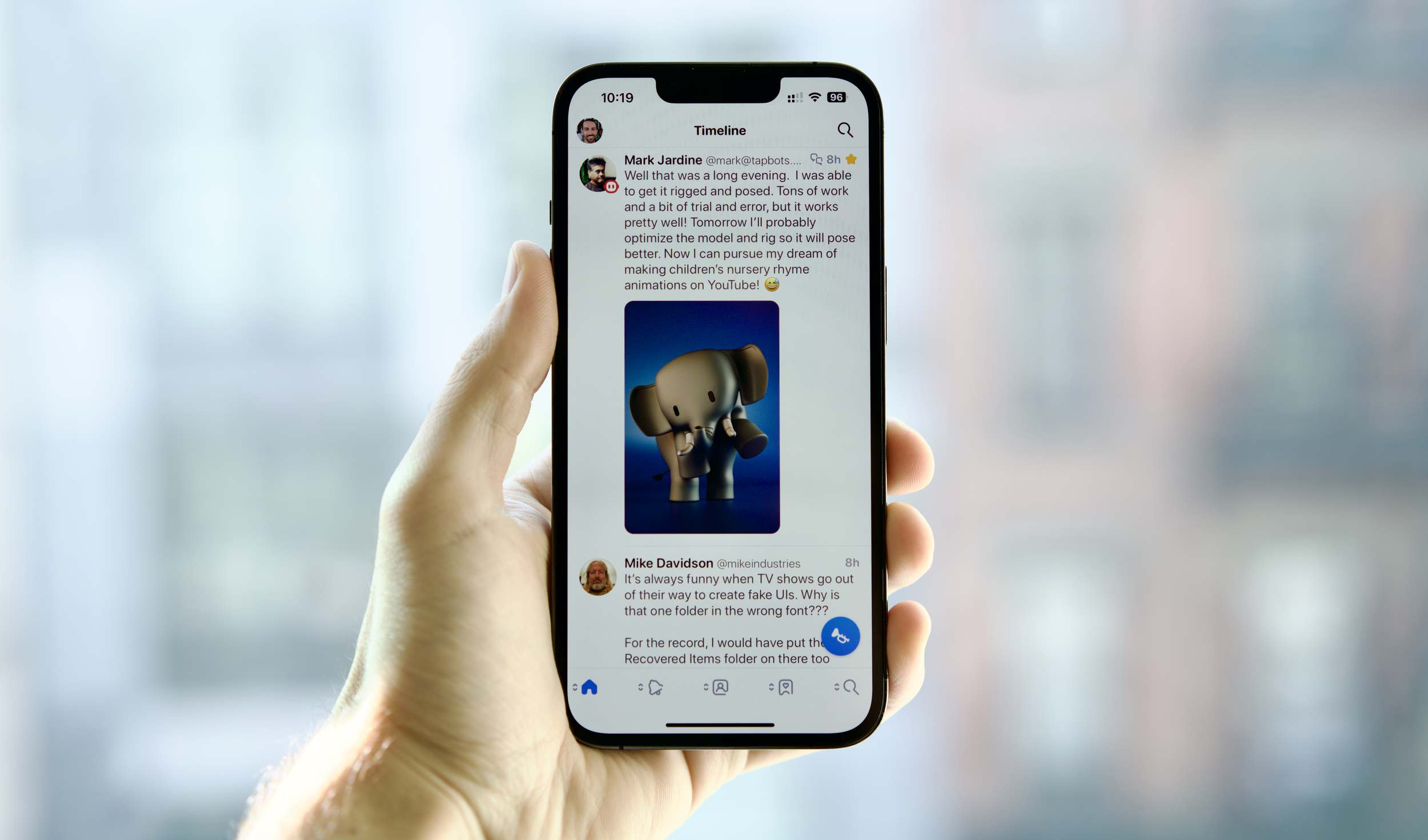
Thoughts on Twitter, Mastodon, and owning your data
Thoughts on elevating product quality

Taking a look back and using a 20 year old iPod today.
Thoughts on design challenges facing crypto/web3 today.

I created Crypto Mondrians, a set of code-generated art NFTs on the blockchain.
Building your own iOS app is easier than ever with SwiftUI.
Saving money when dealing with many email addresses and domains
A few thoughts on designing and building as I reflect on what I learned in 2020.
A few thoughts on my new favorite pen, the BaronFig Squire.
Getting back into RSS with a modern RSS reader.
What side projects mean to me.
Why I decided to move away from Amazon S3 and host this website with Netlify.
I'm going to try something different and write more short-form posts here.

How to stay safe online and prevent phishing with FIDO2, WebAuthn and security keys.

Why it was time to say bye to San Francisco.